
Remove Background from Images Online
Use Remove Background to erase busy photo backgrounds and create clean cutouts in seconds. Upload a product photo, portrait, logo, or creative asset, then download a transparent PNG that is ready for ecommerce, social posts, ads, presentations, and design work.
Upload an image
Transparent cutout result
Your transparent result will appear here
Upload an image and use Remove Background to create a clean PNG in one click.
Product photos for ecommerce
Use Remove Background to create clean assets for listings, layouts, presentations, marketplaces, and campaign production.
Portrait cutouts for profile images
Use Remove Background to create clean assets for listings, layouts, presentations, marketplaces, and campaign production.
Marketing assets with clean transparency
Use Remove Background to create clean assets for listings, layouts, presentations, marketplaces, and campaign production.
Social posts and campaign creatives
Use Remove Background to create clean assets for listings, layouts, presentations, marketplaces, and campaign production.
How it works
How to remove background from a photo
Upload a source image, let the AI find the main subject, remove background details around it, and download a transparent result that is ready for editing or publishing.
Source image
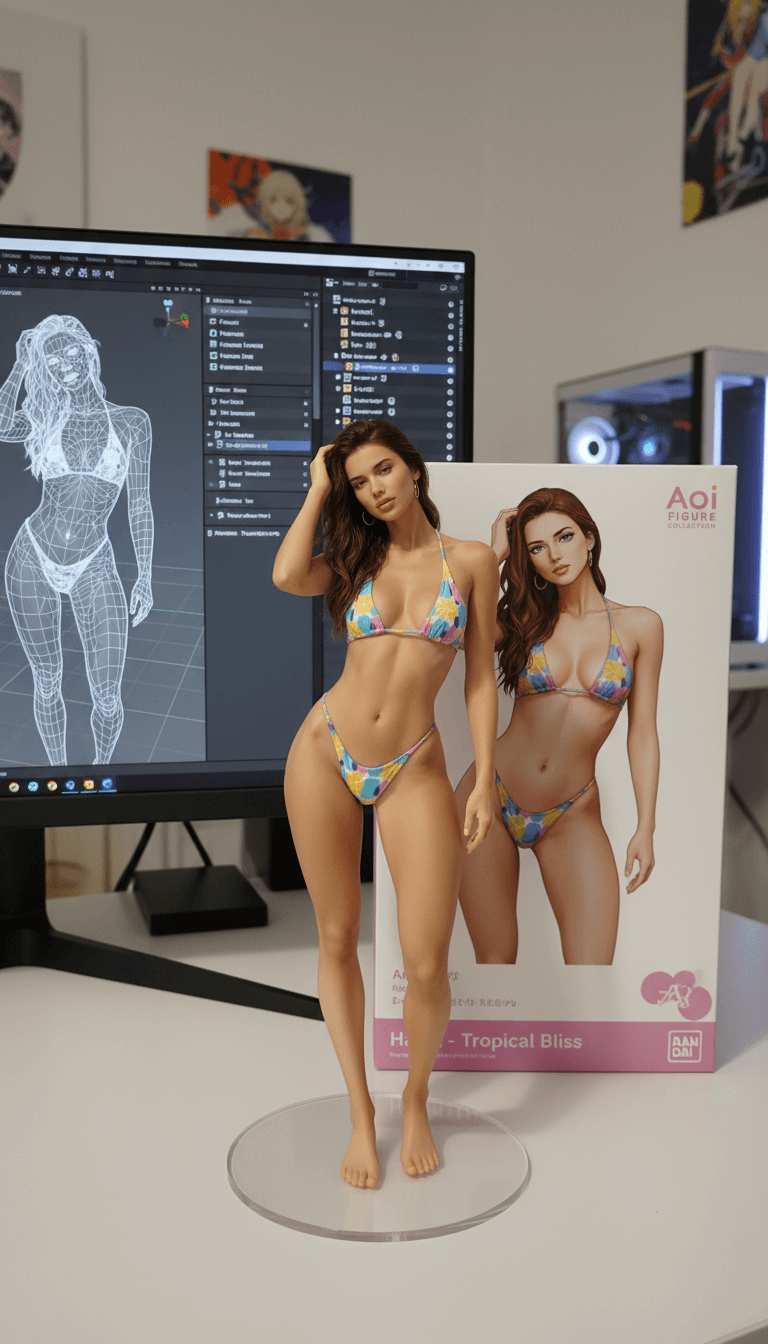
Upload a clear image
Choose a product photo, portrait, object image, or brand asset with a visible subject and readable edges.
Let AI remove background details
The tool analyzes the foreground, separates the subject from the surrounding scene, and cleans the background automatically.
Export a transparent cutout
Download the processed PNG and place it into store listings, ads, thumbnails, slides, banners, or creative design workflows.
Transparent result
Remove Background FAQs
This background remover removes the area behind the main subject and returns a clean transparent cutout that is ready for ecommerce, marketing, and design work.
Upload your photo, click the remove button, wait for the AI to process the image, then download the transparent PNG result.
Sharp images with clear subjects, good lighting, and visible edges usually produce the cleanest Remove Background results.
Yes. Remove Background is useful for ecommerce listings, marketplace photos, ads, mockups, catalog images, and product presentations.
You can upload common image files such as PNG, JPG, JPEG, and WebP. Files under 10 MB are recommended for fast processing.
Yes. The output is designed for transparent-background workflows, so you can place the subject on white, colored, studio, or lifestyle backgrounds.
Yes. Upload a different image or run Remove Background again after the current task finishes.
Hair, glass, shadows, motion blur, reflections, and low-contrast edges can be harder to separate accurately.
Yes. When the result is ready, use the download button to save the final transparent image.
You can use the downloaded image in your own workflow, subject to the rights of the original image you uploaded.
Need to Remove Background again?
Use a sharp image, keep the subject visible, avoid busy edges when possible, and run Remove Background again for a cleaner cutout.