Free Image to Prompt Generator
Use Image to Prompt to turn a reference image into a detailed image prompt for AI image generators. Upload a photo, product shot, artwork, or design reference and get prompt text that captures the subject, scene, lighting, composition, and visual style.
Image to Prompt analysis
Read the subject, shot type, camera angle, layout, and important scene details from your image.
Visual style detection
Describe mood, palette, textures, medium, aesthetics, and art direction in practical prompt language.
Lighting and composition cues
Include lighting direction, depth, contrast, atmosphere, framing, and perspective hints.
Reusable image prompt
Copy a clear prompt draft for Flux, GPT Image 2, Nano Banana, Stable Diffusion, Midjourney, and other tools.
Image to Prompt
Generated image prompt
Your image prompt will appear here
Upload an image and generate a prompt that you can copy, download, refine, or reuse in another AI image model.
Product photo prompts
Turn clean product photos into image prompt drafts for ecommerce listings, ads, and creative testing.
Portrait prompt analysis
Describe faces, clothing, pose, styling, background, and camera feel from a single reference image.
Creative style extraction
Extract color, mood, lighting, medium, and art direction so new generations can follow the same visual language.
Fast prompt writing
Use Image to Prompt when you have visual inspiration but need a clean, editable prompt in seconds.
How it works
How to use Image to Prompt
Upload a clear image, let the AI analyze visible details, then copy the generated image prompt and refine it for your preferred model.
Reference image
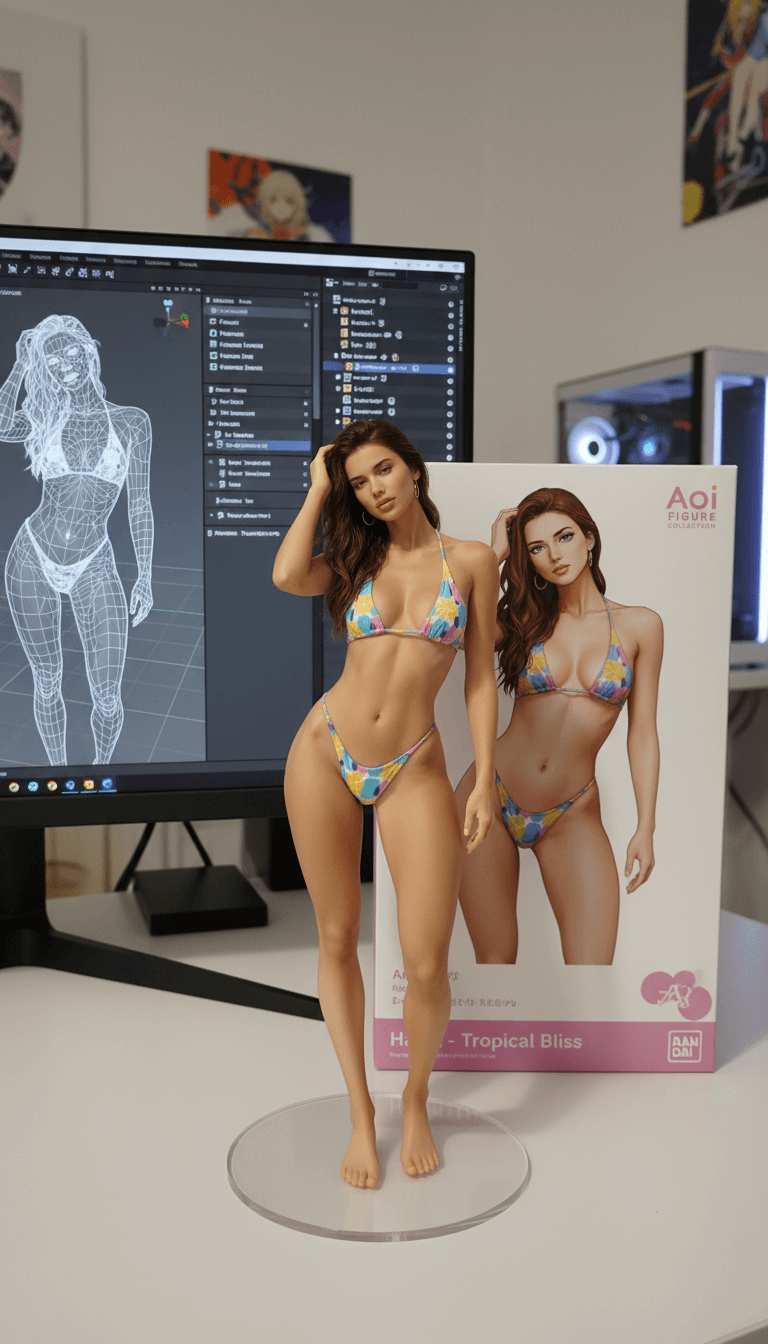
Upload a reference image
Choose a PNG, JPG, JPEG, or WebP file with a clear subject, readable edges, and useful visual details.
Generate the prompt
The Image to Prompt tool analyzes the photo and converts visible elements into detailed prompt language.
Copy and refine
Use the output as a starting point, then adjust style, model, aspect ratio, negative details, or brand direction.
Image prompt structure
Image to Prompt FAQs
Image to Prompt is a tool that converts an uploaded image into a detailed text prompt. It helps describe the subject, setting, style, lighting, color, and composition so you can create similar AI images.
Upload a clear image, click Generate Prompt, wait for the analysis, then copy the generated image prompt and refine it for your creative goal.
The output usually includes the main subject, background, mood, visual style, color palette, lighting conditions, camera angle, composition, and other visible details.
Clear photos, product shots, illustrations, digital art, and images with readable subjects usually produce the most useful prompt descriptions.
Yes. The generated image prompt can be used as a flexible starting point for Flux, GPT Image 2, Nano Banana, Stable Diffusion, Midjourney, and other image generators.
The Image to Prompt generator can capture strong visual clues, but it may miss small details or infer context. Review the result and edit it before final use.
It is best for recreating style, composition, and visual direction, not for making an exact copy of the original image.
You can upload common image formats such as PNG, JPG, JPEG, and WebP. Smaller, sharper files usually make the image analysis easier.
Avoid private, sensitive, restricted, or copyrighted images you do not have permission to use. Upload only content you are allowed to process.
After using Image to Prompt, add your desired model style, aspect ratio, quality terms, negative details, brand direction, or platform-specific prompt syntax.
Need a better image prompt?
Run Image to Prompt with a cleaner reference image, then refine the generated text for your target model, style, and output format.